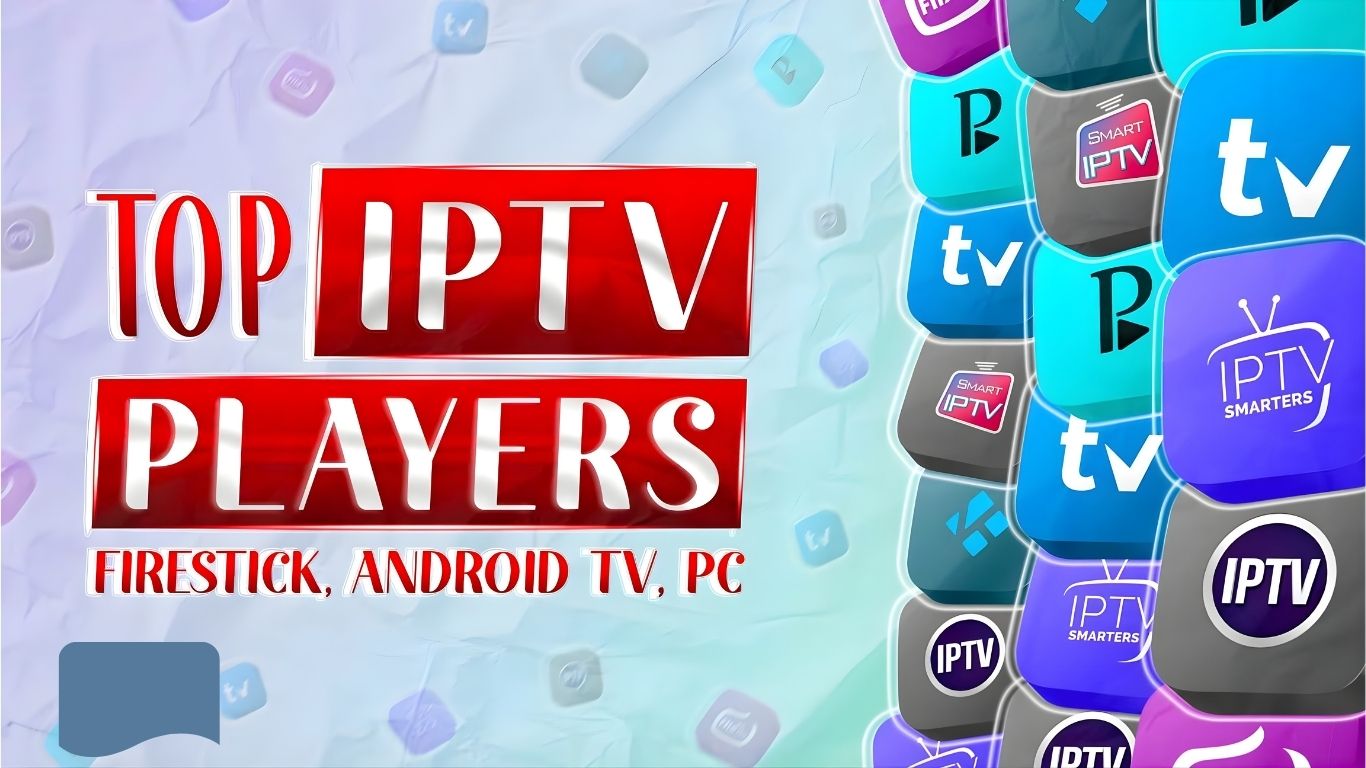
Best IPTV Players for 2025 – Top Streaming Apps for Any Device
March 04, 2026
•
5 min read
What Is an IPTV Player and Why Do You Need One?
Top IPTV Players in 2025
1. IPTV Smarters Pro
- Platforms: Android, iOS, Firestick, Smart TVs, Windows
- Key Features: Multi-screen support, parental controls, external player integration, EPG guide.
- Why It Stands Out: IPTV Smarters Pro is one of the most popular IPTV players due to its sleek design and powerful features. It supports multiple formats and allows integration of multiple playlists, making it ideal for families or shared households.
2. TiviMate IPTV Player
- Platforms: Android TV, Firestick
- Key Features: Modern EPG, catch-up support, backup/restore, customizable layout.
- Why It Stands Out: TiviMate is a fan favorite among Android TV and Firestick users. It offers a rich, cable-like interface that’s intuitive and highly customizable, though full features require a premium subscription.
3. Perfect Player IPTV
- Platforms: Android, Windows
- Key Features: M3U and XSPF support, EPG in XMLTV and JTV format, OSD menu.
- Why It Stands Out: Perfect Player IPTV is known for its stability and performance. It supports a wide variety of playlist formats and has a highly customizable UI, ideal for tech-savvy users.
4. Kodi with IPTV Add-ons
- Platforms: All major platforms
- Key Features: Open-source media player, supports IPTV through add-ons.
- Why It Stands Out: Kodi is more than just an IPTV player—it’s a full media center. With the right add-ons, it can be configured into a powerful IPTV streaming solution, although it requires more setup than plug-and-play apps.
5. XCIPTV Player
- Platforms: Android, Firestick
- Key Features: Built-in player, EPG, VOD support, multi-screen.
- Why It Stands Out: XCIPTV is gaining popularity for its reliability and sleek interface. It’s frequently updated and easy to use, making it ideal for users who want a hassle-free experience.
Features to Consider When Choosing an IPTV Player
- Device Compatibility: Ensure the player works with your Smart TV, Firestick, or mobile device.
- EPG (Electronic Program Guide): A well-designed EPG can make or break the user experience.
- Playlist Format Support: Choose a player that supports formats like M3U, JSON, or iptvuk.it.com Codes.
- User Interface: Simple, intuitive navigation makes content discovery easier.
- Performance: Look for players that reduce buffering and lag through optimized performance.
How to Set Up an IPTV Player
- Download the App: Get the player from your device’s app store or sideload it (for Firestick/Android boxes).
- Install the Player: Follow on-screen prompts and give necessary permissions.
- Add Playlist: Enter the M3U URL or iptvuk.it.com Codes provided by your IPTV service.
- Customize Settings: Enable EPG, adjust playback settings, and set up parental controls.
- Start Watching: Enjoy your live channels, VOD content, and more.
